Signed installers
Install Torra on the surfaces where work actually moves.
Desktop is the primary operating surface for the OpenClaw-based runtime. Mobile and Mini Program extend approvals, reviews, notifications, and lightweight enterprise access without breaking governance.
App Store distribution
Play Store or APK
Scan inside WeChat
One page for every client surface.
This page should look like a real distribution surface: clear states, honest availability, and the right action for each platform.
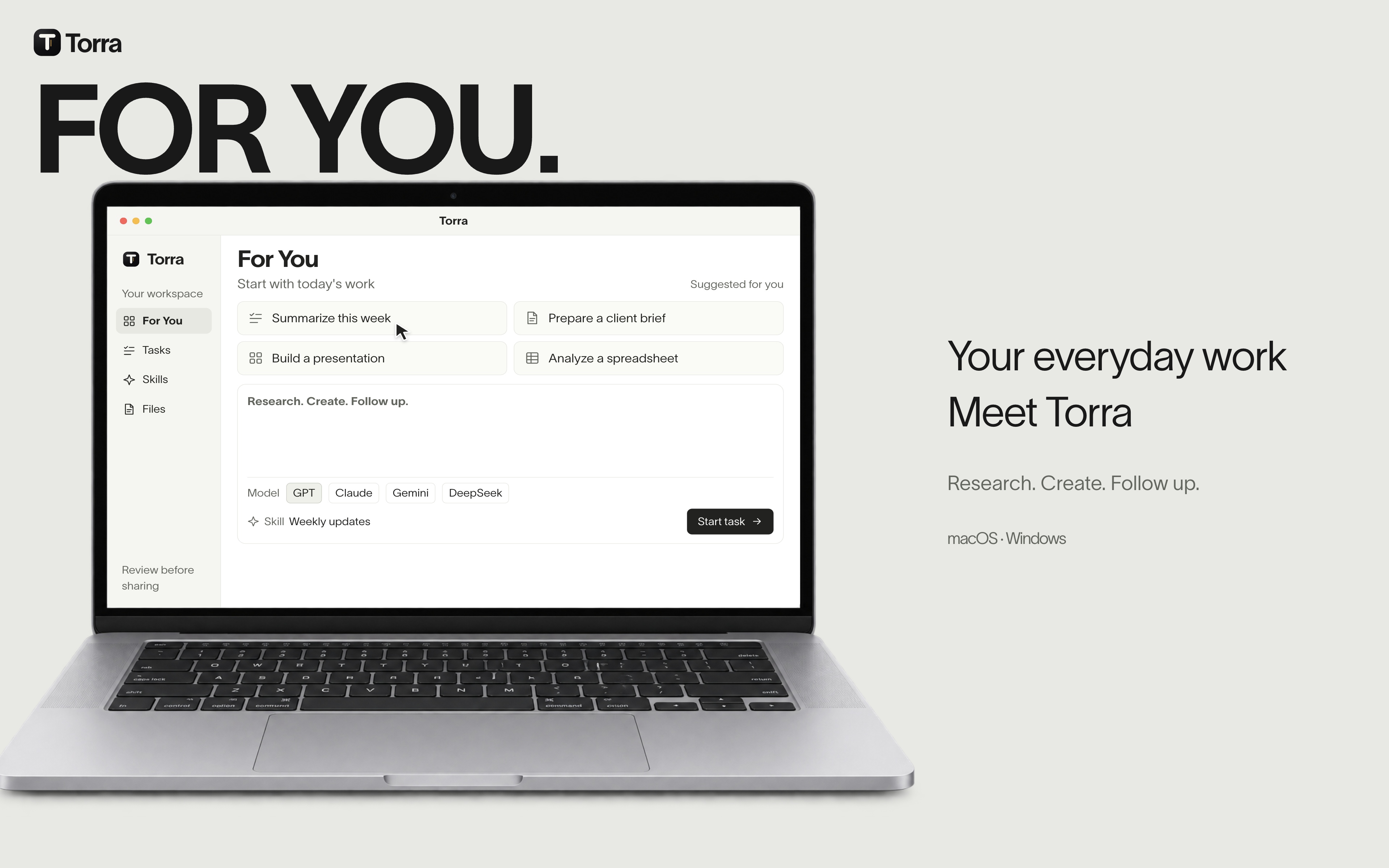
macOS and Windows for full operating workflows.
Desktop remains the main Torra surface for governed execution, long-running workflows, and team operations.
- Signed installers
- Auto-update channels
- Managed rollout ready
Review, approve, and stay in the loop from mobile.
Use iPhone for approvals, escalations, and lightweight assistant access when teams are away from desktop.
- App Store distribution
- Approval-first flows
- Push notification ready
Android access for field teams and internal pilots.
Support pilot distribution for operations, support, and sales teams that need governed access on Android.
- Play Store or APK
- Beta channel control
- Device support notes
WeChat Mini Program for lightweight enterprise access.
Mini Program is not a fake download surface. It is the fast-entry channel for mobile review, lookup, and lightweight execution.
- Scan inside WeChat
- No app-store friction
- Scoped feature surface
Use the Mini Program for fast-entry approvals, lightweight lookup, and notifications. It is a scoped access surface, not a fake app-store download.
For mobile review, approval, status checks, and lightweight assistant tasks inside WeChat.
Entry should always be modeled as scan-to-open, with clear feature scope and rollout state.
Give IT a real distribution story.
The download page is also where desktop packaging, managed rollout, version policy, and enterprise update channels should be explained.
- Managed deployment guidance for desktop
- Supported operating systems and version floors
- Release channel notes and rollback guidance
Keep access tied to the same governed identity layer.
Downloads are not the product. The point is to get teams onto the right surface while preserving identity, permissions, and rollout control.
Make versioning and channel logic visible.
| Channel | Cadence | Surface | Primary use |
|---|---|---|---|
| Desktop stable | Weekly | macOS, Windows | Primary operating surface |
| iOS rollout | Staged | iPhone | Approvals, review, notifications |
| Android pilot | Controlled | Android devices | Field access, pilot teams |
| Mini Program | Continuous | Scan-to-open lightweight access |